

OOB Flow
Overview
Out-of-Band (OOB) authentication allows a cardholder to approve a 3DS transaction via a separate trusted channel, typically the merchant’s mobile application, instead of entering a static OTP on the 3DS page.
This approach provides:
- Stronger security
- Better user experience
- Reduced friction for high-risk transactions
Step-by-Step Flow
sequenceDiagram
    autonumber
    actor U as User
    participant E as E-Commerce Site
    participant ACS as 3DS Server
    participant SX as StraitsX
    participant M as Client

    U->>E: Purchase goods
    E->>ACS: Initiate 3DS authentication
    ACS->>U: Display OOB challenge page
    ACS->>SX: Send OOB data
    SX->>M: oob_notification webhook
    M->>U: Request user verification\n(Biometrics / Face ID)
    U->>M: Approve transaction
    M->>SX: Hit Obtain OOB Authentication API (ID&V result)
    SX->>ACS: Forward OOB result
    U->>ACS: Click Approve Button on 3DS Page
    ACS->>E: Authentication success
User Initiates Purchase
The user completes checkout on the e-commerce site.
3DS Authentication Starts
The merchant triggers 3DS authentication.
StraitsX's Access Control Server (ACS) server determines that OOB authentication is required.
OOB Challenge Page Displayed
The ACS presents a 3DS challenge page instructing the user to approve the transaction via their mobile app.
OOB Data Sent to StraitsX
The ACS server sends OOB transaction details to StraitsX, including:
- Transaction identifiers
- Challenge context
- Merchant reference
OOB Notification Webhook
StraitsX sends an oob_notification webhook to the client containing:
- OOB request reference
- Transaction metadata
- User identifiers (masked)
Refrences for the webhook notification
Merchant Responsibility:
Ensure that the webhook endpoint is highly available and can respond quickly
User Identity Verification (ID&V)
The client app may choose to prompt the user to verify identity using one of the following methods:
- Biometrics (Face ID / Fingerprint)
- Device authentication
- App-level PIN (if applicable)
Submit OOB Authentication Result
After verification, the client should call StraitsX obtain oob API to share the authentication result
API Reference:
👉 https://docs.straitsx.com/v1-CARDS/reference/obtain-oob
Payload includes:
- OOB reference ID
- Authentication result (approved / rejected)
User Confirms on 3DS Page
Once StraitsX ACS server receives the OOB result, The user clicks the Finish button on the 3DS Page. Authentication completes and transaction will be processed further.
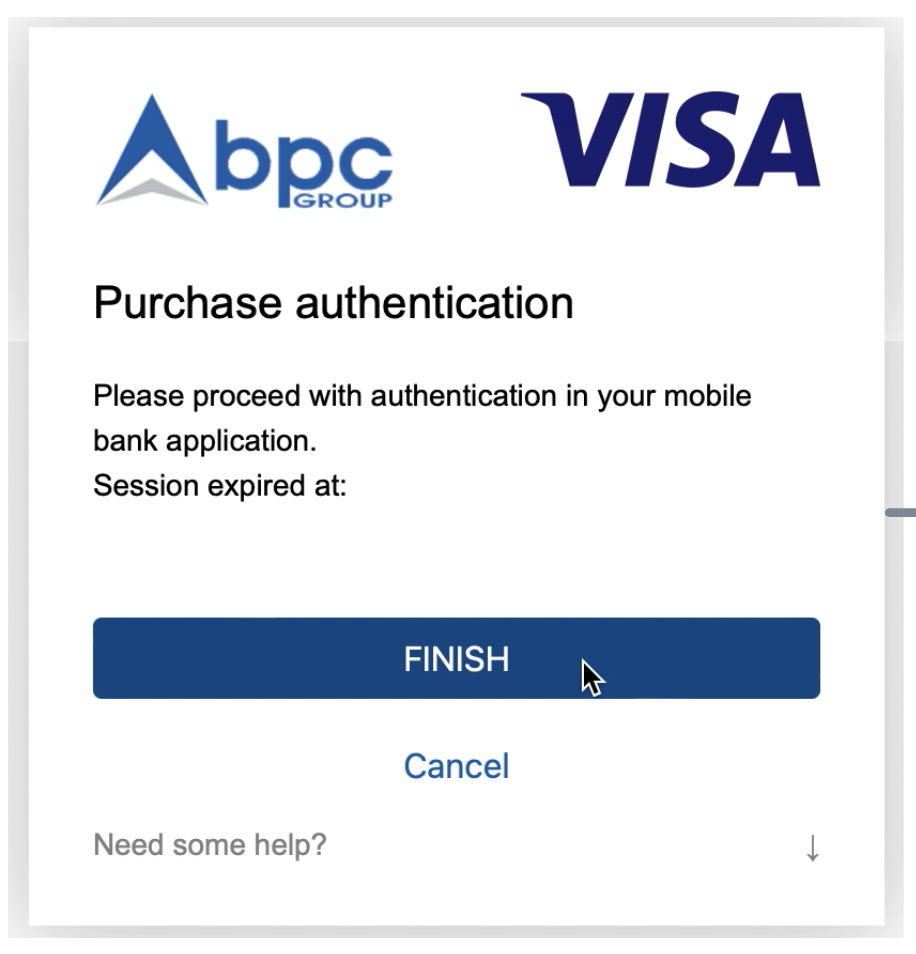
Example of OOB page
Updated 10 months ago